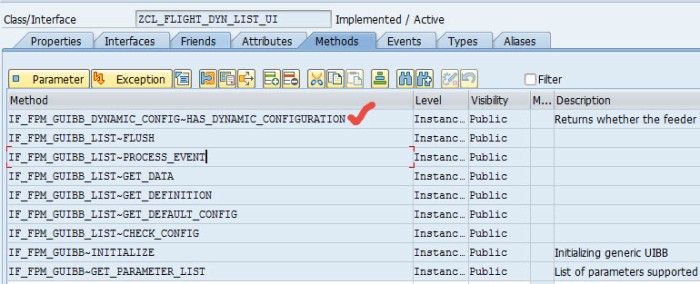
For the LIST uibb, create a feeder class and implement these below three interfaces. Interface IF_FPM_GUIBB_DYNAMIC_CONFIG provides methods to decide if we want to build the uibb layout dynamically or not.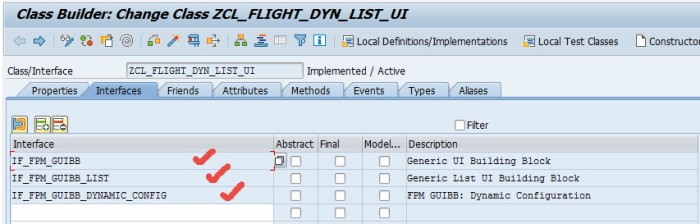
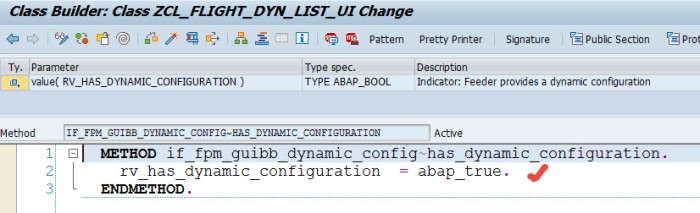
Put the below code in the HAS_DYNAMIC_CONFIGURATION method.
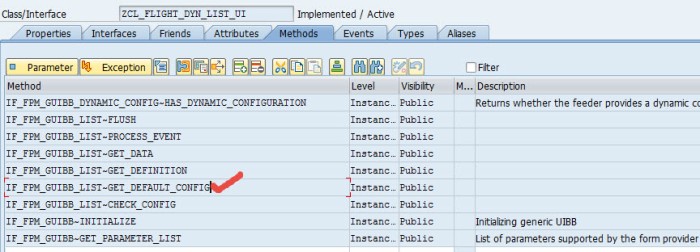
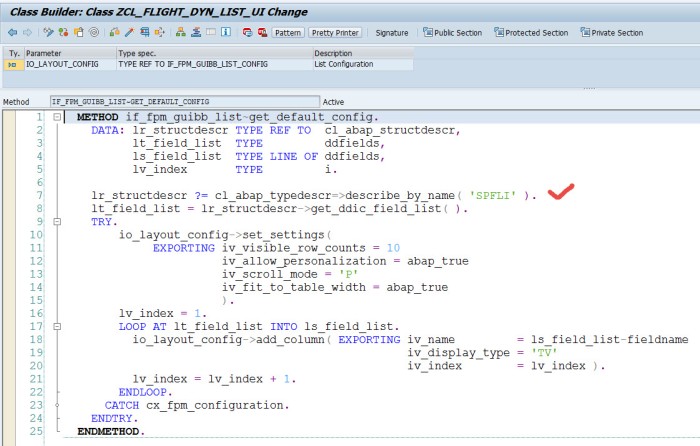
Put the below code in GET_DEFAULT_CONFIG method. We are trying to display SPFLI data in list UIBB.
METHOD if_fpm_guibb_list~get_default_config.
DATA: lr_structdescr TYPE REF TO cl_abap_structdescr,
lt_field_list TYPE ddfields,
ls_field_list TYPE LINE OF ddfields,
lv_index TYPE i.
lr_structdescr ?= cl_abap_typedescr=>describe_by_name( ‘SPFLI’ ).
lt_field_list = lr_structdescr->get_ddic_field_list( ).
TRY.
io_layout_config->set_settings(
EXPORTING iv_visible_row_counts = 10
iv_allow_personalization = abap_true
iv_scroll_mode = ‘P’
iv_fit_to_table_width = abap_true
).
lv_index = 1.
LOOP AT lt_field_list INTO ls_field_list.
io_layout_config->add_column( EXPORTING iv_name = ls_field_list–fieldname
iv_display_type = ‘TV’
iv_index = lv_index ).
lv_index = lv_index + 1.
ENDLOOP.
CATCH cx_fpm_configuration.
ENDTRY.
ENDMETHOD.
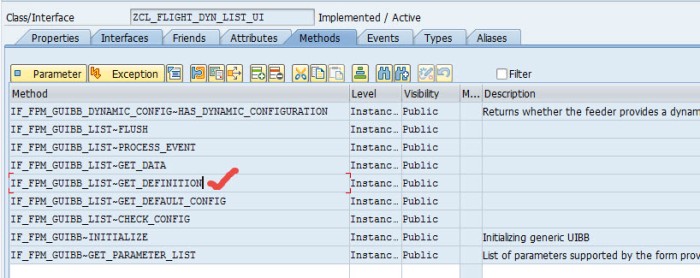
Put the below code in GET_DEFINITION method.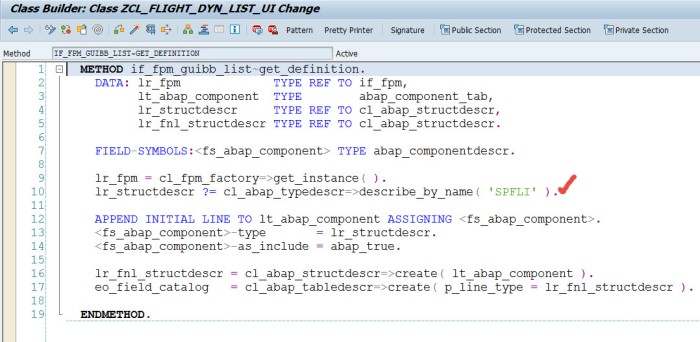
METHOD if_fpm_guibb_list~get_definition.
DATA: lr_fpm TYPE REF TO if_fpm,
lt_abap_component TYPE abap_component_tab,
lr_structdescr TYPE REF TO cl_abap_structdescr,
lr_fnl_structdescr TYPE REF TO cl_abap_structdescr.
FIELD-SYMBOLS:<fs_abap_component> TYPE abap_componentdescr.
lr_fpm = cl_fpm_factory=>get_instance( ).
lr_structdescr ?= cl_abap_typedescr=>describe_by_name( ‘SPFLI’ ).
APPEND INITIAL LINE TO lt_abap_component ASSIGNING <fs_abap_component>.
<fs_abap_component>–type = lr_structdescr.
<fs_abap_component>–as_include = abap_true.
lr_fnl_structdescr = cl_abap_structdescr=>create( lt_abap_component ).
eo_field_catalog = cl_abap_tabledescr=>create( p_line_type = lr_fnl_structdescr ).
ENDMETHOD.
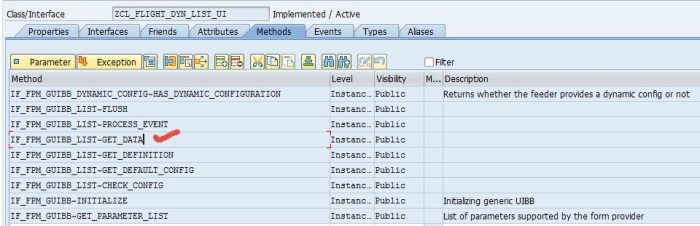
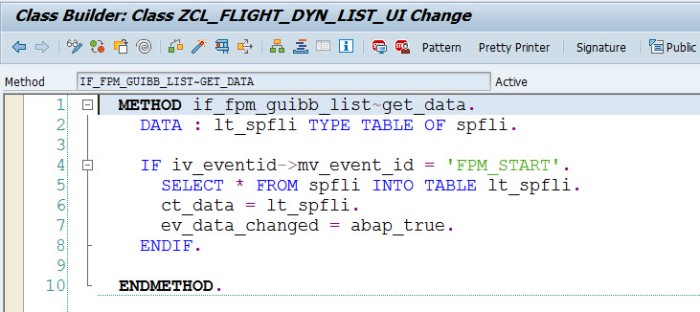
Put the below code in GET_DATA method.
METHOD if_fpm_guibb_list~get_data.
DATA : lt_spfli TYPE TABLE OF spfli.
IF iv_eventid->mv_event_id = ‘FPM_START’.
SELECT * FROM spfli INTO TABLE lt_spfli.
ct_data = lt_spfli.
ev_data_changed = abap_true.
ENDIF.
ENDMETHOD.
Create list UIBB configuration.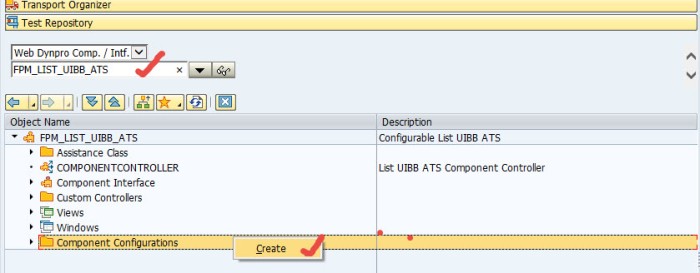
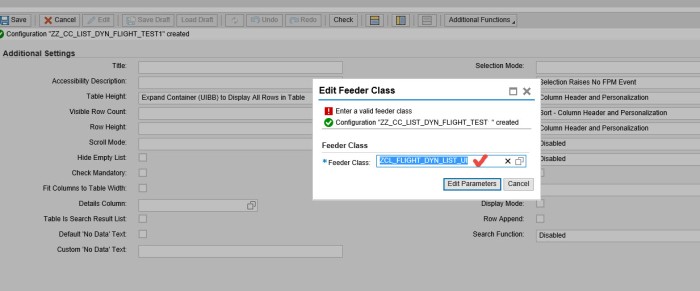
Provide configuration name and click on NEW button.
Save in the desired package and then provide the feeder class name.
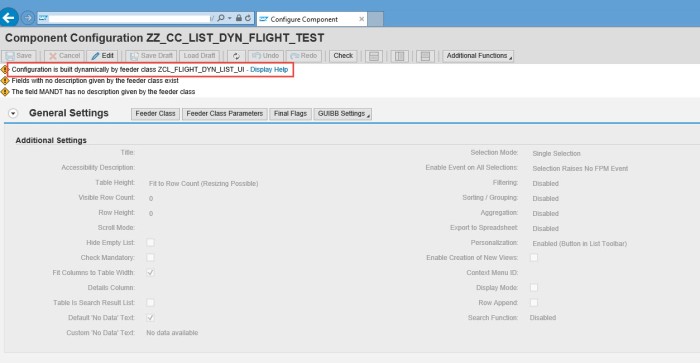
We can’t do any configuration here as this is dynamic set in the feeder class.
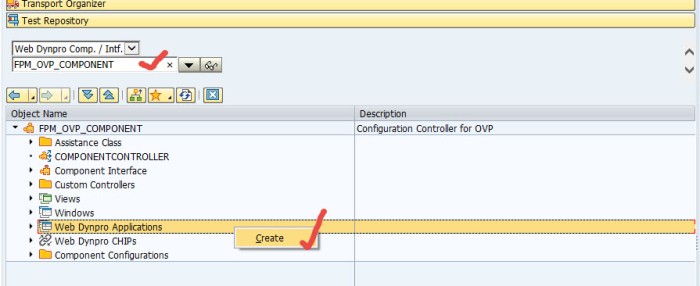
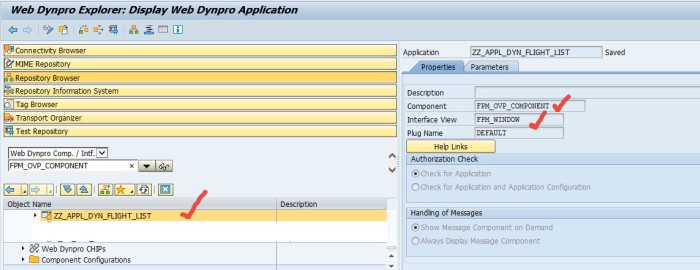
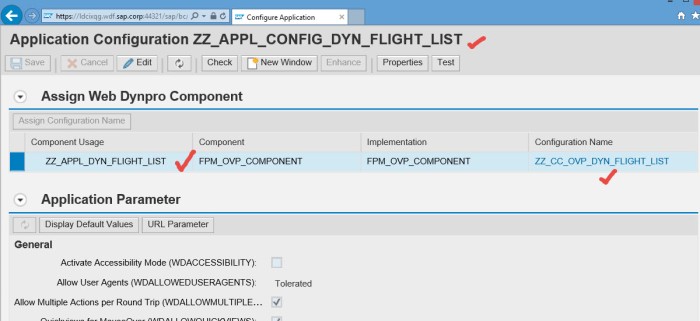
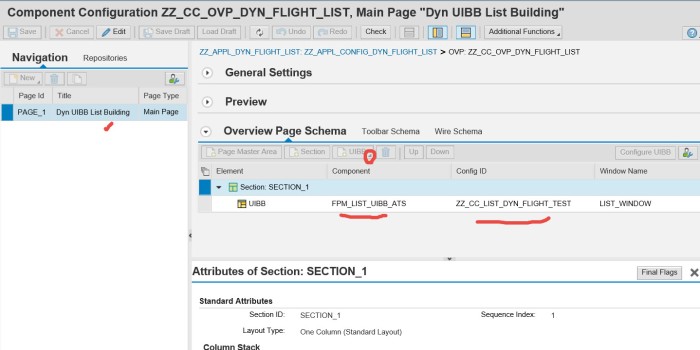
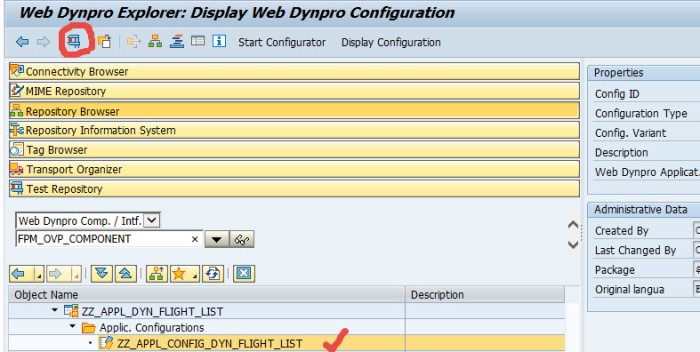
Create an OVP application, application configuration and ovp component configuration.
Application configuration and OVP component configuration.
Put the title and add the list uibb component configuration.
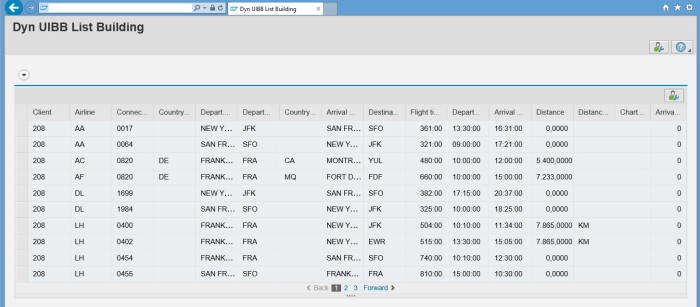
Then test the application configuration.
So here we have the list display whose layout is completely dynamically desgined.
-------------------------------------------------------------------------------------------------------------------------